
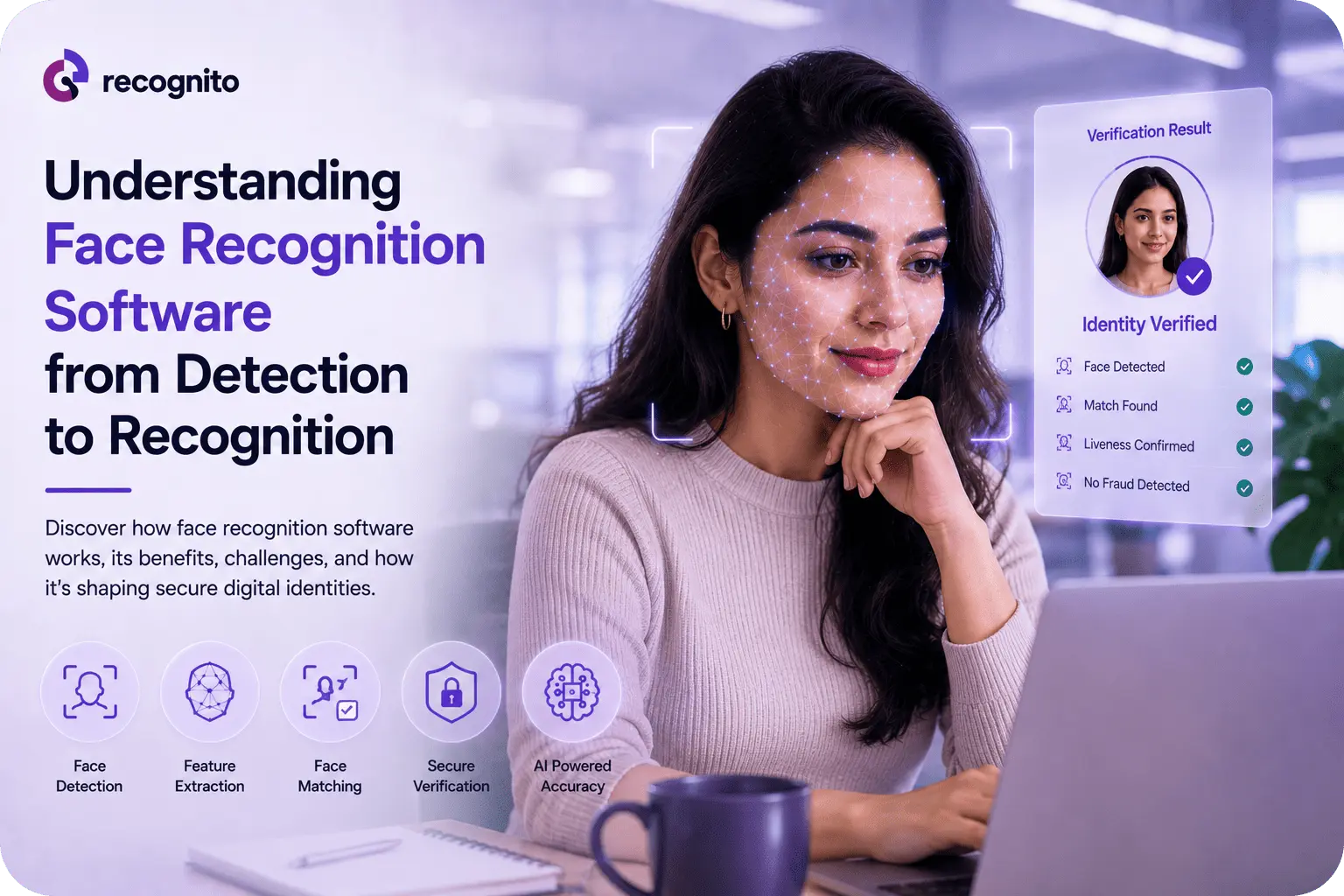
Face recognition software is often described as if it were a single AI capability: a camera sees a face and the system identifies the person. In practice, that process involves several distinct stages, and each stage can affect security, accuracy, speed, and user experience.
A production system may need to detect a face within an image, determine whether the capture is usable, align it correctly, extract a mathematical representation, compare that representation with another template, apply a threshold, and then return a decision. In identity verification, additional controls such as document checks and liveness detection may sit around the recognition engine.
Understanding this pipeline matters when selecting biometric software. A strong recognition model does not automatically produce a strong business solution. The quality of the camera input, preprocessing, matching strategy, attack defenses, integration, and decision logic all contribute to the final outcome.
The Difference Between Face Detection and Face Recognition
The first distinction is fundamental.
Face detection answers: Is there a face in this image, and where is it?
Face recognition answers: Whose face is it, or does it match another known face?
Detection normally happens before recognition. A system may receive a video frame containing a person, background objects, and other visual information. The detector locates the face and defines the region that should be processed further.
Recognition then uses facial characteristics from that region to create or compare a biometric representation.
This distinction explains why a face detection demo is not proof that a recognition system is accurate. Detecting a face is comparatively different from reliably determining whether two facial samples belong to the same person.
NIST’s current Face Recognition Technology Evaluation program separates recognition evaluations from face-analysis evaluations and includes dedicated 1:1 and 1:N recognition tracks.
How a Face Recognition Pipeline Works
A typical software pipeline can be understood as a sequence of increasingly specific operations.
1. Face detection
The system scans an image or video frame and locates one or more faces.
Modern detectors are designed to handle changes in pose, scale, lighting, and background complexity. However, detection quality still matters because a poorly detected face gives later stages weaker input.
For example, a face partly outside the camera frame may be detected but produce a poor recognition result.
2. Face alignment and normalization
Once the face is located, software may align it using landmarks around areas such as the eyes, nose, and mouth.
Alignment reduces unnecessary variation caused by head angle or positioning. The system can then normalize the facial crop before extracting biometric features.
This stage may seem minor, but consistent preprocessing helps the recognition model compare samples under more controlled conditions.
3. Feature extraction
The recognition model converts the facial image into a numerical representation, often called an embedding or template.
The goal is not to store a simple photograph-like description. Instead, the model maps the face into a mathematical feature space where samples from the same person should be closer together and samples from different people should be farther apart.
This is where the underlying recognition model has a major influence on performance.
4. Template comparison
The resulting representation can then be compared with another template.
In a verification workflow, the system may compare a newly captured face against one reference identity. In an identification workflow, it may search a gallery containing many enrolled identities.
NIST’s FRTE 1:1 evaluation reports false non-match rates at specified false-match operating points, illustrating why recognition performance must be considered in relation to the threshold used.
5. Decision threshold
The comparison produces a similarity or distance score. Software then applies a threshold to determine whether the evidence is sufficient for a match.
This creates a security-versus-usability trade-off.
A stricter threshold can reduce false matches but may increase false rejections. A more permissive threshold may make legitimate users easier to recognize while increasing the risk of incorrect matches.
There is therefore no universally correct threshold. It depends on the application and the consequences of each error.
Verification and Identification Are Not the Same
Two common face recognition tasks require different system designs.
Face verification: 1:1
The system checks whether a person is who they claim to be.
For example, an account holder may provide a selfie that is compared with the portrait from an identity document. The question is simply whether the two samples belong to the same person.
This approach is common in onboarding, account recovery, authentication, and remote identity verification.
Face identification: 1:N
The system searches for a person’s identity within a gallery.
Instead of asking whether this person matches that reference, it asks whether this face matches anyone in the available population.
As the gallery grows, the operational implications change. Threshold selection, false positives, search strategy, and system performance become increasingly important.
NIST maintains a dedicated FRTE 1:N evaluation for this scenario, rather than assuming that 1:1 performance directly represents large-scale identification.
Why Image Quality Has Such a Large Impact
Recognition software does not work from an abstract face. It works from captured evidence.
Lighting, exposure, blur, pose, camera quality, compression, occlusion, and framing can all affect that evidence. Poor input can make a strong recognition model appear weaker than it is.
NIST’s demographic analysis highlights this relationship, noting that false negatives can be strongly influenced by image quality and that poor photography can contribute to demographic differences in observed performance.
That is why businesses should evaluate the complete capture experience rather than comparing recognition models in isolation.
The practical relationship between capture conditions and matching performance is explored further in factors that affect face recognition accuracy.
Face Recognition Is Not the Same as Liveness Detection
Another common misconception is that accurate recognition automatically prevents spoofing.
It does not.
A recognition model may determine that two facial samples are sufficiently similar. That does not necessarily prove that the captured sample came from a live person.
An attacker might attempt to use a photograph, replayed video, mask, manipulated media, or an injected digital stream.
Liveness or presentation-attack detection addresses a different question: Is the biometric input genuine and presented by the expected person in the required capture context?
FIDO’s face-verification certification explicitly evaluates areas including biometric matching, liveness, deepfake threats, bias, and injection attacks, reinforcing the distinction between matching performance and attack resistance.
For organizations designing the security layer around facial recognition, presentation attack detection provides a useful complementary topic.
How Face Recognition Software Fits Into Identity Verification
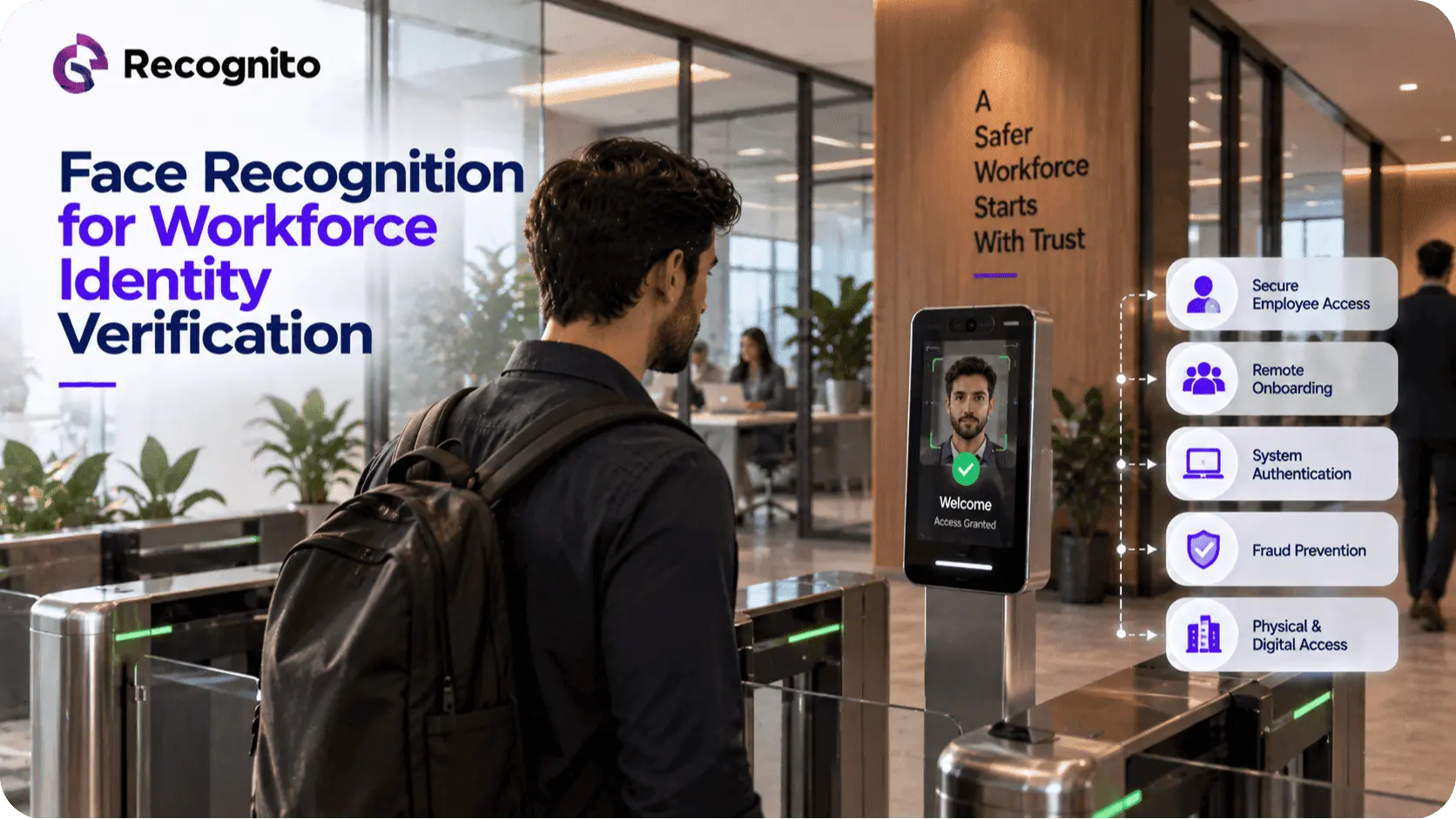
In a modern remote onboarding workflow, face recognition is usually one component rather than the entire solution.
A typical sequence might involve:
- Capturing an identity document.
- Extracting and evaluating document information.
- Capturing the customer’s face.
- Checking whether the face capture is suitable.
- Performing liveness or presentation-attack checks.
- Comparing the customer’s face with the document portrait.
- Applying business-specific risk rules.
- Approving, rejecting, or escalating the application.
This layered model explains why procurement teams should not choose software based solely on face-matching accuracy.
An application can fail because the document was poorly captured, the selfie was unusable, liveness was inconclusive, or the matching threshold was inappropriate, even when the recognition model itself is highly capable.
For teams implementing facial recognition inside their own applications, a facial recognition SDK can provide the recognition layer without requiring the development team to build an entire computer-vision pipeline from scratch.
How Businesses Should Evaluate Face Recognition Software
A serious evaluation should go beyond a vendor’s headline accuracy figure.
Recognition performance
Look at false-match and false-non-match behavior at relevant operating points. A single percentage without its testing conditions and threshold is difficult to interpret.
Capture performance
Test the system on the cameras and devices customers actually use. Check poor lighting, motion, different poses, and difficult capture environments.
Demographic behavior
Review whether performance changes across relevant demographic groups and whether the capture experience contributes to those differences.
Speed and resource usage
A recognition system used for real-time authentication has different requirements from an offline batch-processing system.
Security controls
Determine how recognition interacts with liveness, presentation-attack detection, deepfake defenses, and other security layers.
Integration quality
Assess SDKs and APIs based on platform support, documentation, error handling, latency, update processes, and the amount of engineering effort required.
NIST’s ongoing FRTE structure is useful here because results are continuously updated as new algorithm submissions are evaluated, allowing decision-makers to examine current rather than purely historical performance.
On-Device, Cloud, and Hybrid Architectures
Where facial processing occurs can significantly affect the system design.
On-device processing can reduce dependence on network connectivity and may limit transmission of biometric information. It can be attractive for authentication experiences where the device itself is trusted.
Cloud processing can provide centralized infrastructure, easier model updates, and potentially greater computational resources. It also introduces networking, service availability, and data-governance considerations.
Hybrid architectures split processing between the device and backend systems.
There is no universal winner. Architecture should be determined by latency requirements, threat model, privacy expectations, device capabilities, regulatory obligations, and operational needs.
Privacy Is Part of the Technical Design
Biometric systems require careful handling because facial information is closely connected to individual identity.
Businesses need to decide what information is collected, whether images or templates are retained, where processing occurs, who can access the information, how it is protected, and when it is deleted.
Data minimization is particularly important. A system should not retain more biometric information than the business genuinely needs for its defined purpose.
Privacy also needs to be considered when evaluating third-party software. Questions about processing locations, retention policies, encryption, access controls, subprocessors, and deletion mechanisms should be part of the technical review rather than treated as a separate legal exercise.
Demographic Testing Should Be Part of Deployment Testing
Vendor benchmarks are valuable, but organizations should still test representative users and operating conditions.
ISO/IEC 19795-1 establishes principles for biometric performance testing and reporting, supporting more structured evaluation of error rates, test data, and performance conditions.
The important business question is not simply whether a model performs well on a benchmark. It is whether the implemented product performs acceptably for the people, devices, environments, and workflows that matter to the organization.
This is especially important when facial recognition affects access to financial services, employee systems, or other high-impact workflows.
Common Mistakes When Selecting Face Recognition Software
Several procurement mistakes appear repeatedly.
Choosing by headline accuracy.
A high accuracy percentage without context tells very little about the operating point, population, or test conditions.
Confusing detection with recognition.
A system that quickly finds faces is not necessarily a strong identity matcher.
Ignoring liveness.
A recognition model should not be expected to handle every presentation attack by itself.
Testing only ideal conditions.
Production users do not always provide perfectly centered, well-lit images.
Ignoring the integration layer.
A strong algorithm can become difficult to operate if the SDK, API, documentation, or deployment model is poor.
Treating benchmark results as a guarantee.
Independent evaluations provide useful evidence, but they do not replace testing the complete production workflow.
A Practical Evaluation Framework
Before adopting a face recognition platform, teams should answer seven questions:
- What is the exact use case? Authentication, 1:1 verification, 1:N identification, or something else?
- What level of error is acceptable? Define security and usability requirements before comparing vendors.
- What conditions will users face? Include real cameras, lighting, pose, and network conditions.
- What attack model matters? Consider presentation attacks, deepfakes, injection, and compromised environments.
- Where will processing occur? Evaluate cloud, on-device, and hybrid trade-offs.
- What data will be retained? Establish privacy and retention requirements early.
- How will the system be monitored? Track failure rates, false matches, false rejections, latency, and changes over time.
A useful practical complement to documentation is a face biometric playground where teams can explore biometric behavior before committing to a production integration.
For a broader explanation of the complete recognition stack, see how a face recognition system works with real examples.
What “Good” Face Recognition Software Looks Like
The strongest face recognition software is not simply the system with the lowest published error rate.
It is software that performs reliably in the intended environment, operates at an appropriate security threshold, integrates cleanly, handles difficult captures, supports attack detection, protects biometric information, and provides enough operational visibility for teams to understand what is happening.
That means software evaluation should consider the complete chain:
capture → detection → alignment → feature extraction → matching → thresholding → liveness → decision
A weakness at any one stage can affect the final result.
Conclusion
Understanding face recognition software requires looking beyond the final “match” decision. Detection finds the face, alignment prepares it, feature extraction converts it into a mathematical representation, matching compares biometric evidence, and thresholding turns that comparison into a decision.
In production, those components operate alongside image-quality controls, liveness, fraud defenses, privacy safeguards, and application-specific decision rules.
For organizations evaluating facial biometrics, the strongest approach is therefore not to ask which software has the best headline accuracy. Ask whether its complete pipeline delivers the right balance of recognition performance, attack resistance, usability, privacy, integration, and operational reliability.
For teams building that infrastructure, Recognito provides facial biometric technologies designed to support practical recognition and identity-verification workflows.
Frequently Asked Questions
What is the difference between face detection and face recognition?
Face detection locates a face in an image or video. Face recognition analyzes that detected face and compares its biometric characteristics with a reference or searchable gallery.
How accurate is face recognition software?
Accuracy varies by algorithm, threshold, image quality, population, and operating conditions. Performance should be evaluated using relevant error rates and realistic test conditions rather than a single headline percentage.
Does face recognition include liveness detection?
Not necessarily. Recognition and liveness address different questions. Liveness is a separate security layer designed to help detect presentation attacks and other attempts to submit non-genuine biometric evidence.
Is facial recognition suitable for remote identity verification?
Yes. It is particularly useful when customers use cameras on smartphones or computers to complete verification remotely. The strongest workflows combine facial matching with document checks and liveness.
What should businesses evaluate before deploying facial recognition software?
Assess recognition performance, capture conditions, demographic behavior, liveness and attack resistance, integration, processing architecture, privacy, monitoring, and the suitability of the complete workflow for the intended use case.