
Attendance management looks simple until an organization has hundreds or thousands of employees moving across multiple locations, shifts, and work schedules.
Traditional methods such as paper registers, PINs, swipe cards, and fingerprint scanners can record when someone arrives and leaves, but they also create operational problems. Employees can forget cards, share credentials, queue at physical devices, or spend time correcting inaccurate records. HR teams then have to reconcile exceptions before payroll or compliance reports can be finalized.
Facial recognition attendance systems approach the problem differently. Instead of asking employees to present something they possess or remember, they use a camera and biometric matching to associate a person with an attendance event.
That changes more than the clock-in method. When designed correctly, facial recognition can connect attendance capture with access control, workforce analytics, payroll workflows, and fraud prevention. At the same time, biometric attendance introduces privacy, accuracy, security, and governance responsibilities that organizations cannot ignore.
Why Traditional Attendance Systems Are Becoming Difficult to Manage
A time-and-attendance process has to answer three questions reliably:
Who arrived?
When did they arrive?
Was the recorded event genuine?
A swipe card can answer the second question well but may struggle with the first if cards are shared. A PIN can be entered by another person. A manual register depends on human accuracy.
Biometric attendance aims to strengthen the identity link.
Instead of recording “card number 1842 entered at 8:57,” the system can associate the event with an enrolled employee’s biometric identity. That creates a more direct relationship between the individual and the attendance record.
This is one reason facial recognition has become attractive for distributed workplaces. A standard camera can capture the employee without requiring a contact sensor or physical badge.
Organizations looking at the broader advantages can also review facial recognition attendance system benefits to see where biometric identification fits into workforce operations.
How a Facial Recognition Attendance System Works
The core workflow is straightforward, but the quality of the implementation determines whether it is useful in practice.
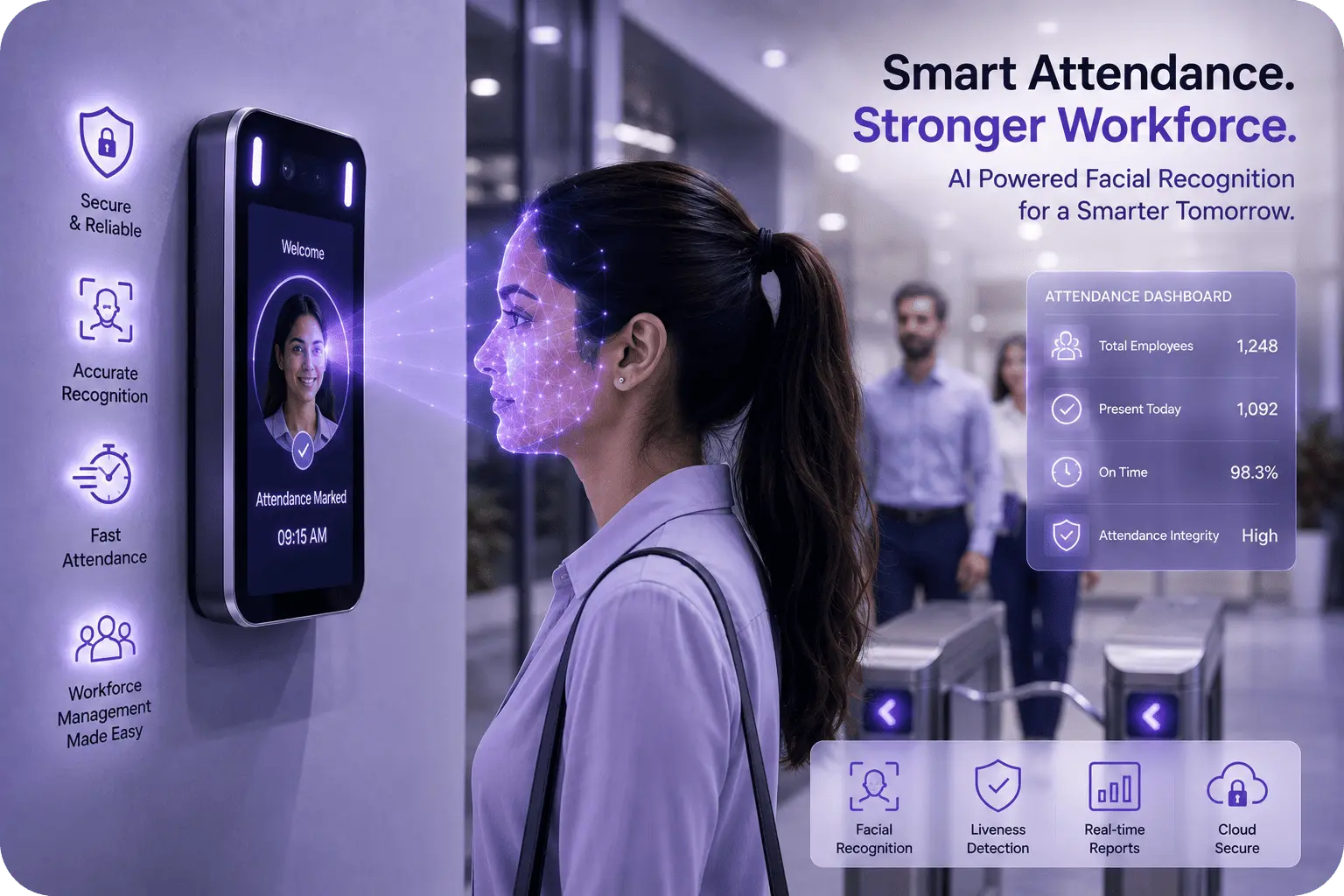
An employee approaches a designated camera or terminal. The system detects the face, captures a suitable image, and converts facial characteristics into a biometric representation. That representation is compared with enrolled employee records.
If the confidence level meets the organization’s configured threshold, the system records an attendance event.
A typical architecture includes:
- Face detection to locate a face within the camera view.
- Image-quality assessment to determine whether the capture is usable.
- Face feature extraction to create a representation suitable for matching.
- Face matching against enrolled employee identities.
- Decision logic to determine whether the match is sufficient.
- Attendance recording with the employee identity, timestamp, and relevant location or device information.
- Workforce integration with HR, scheduling, payroll, or access-control systems.
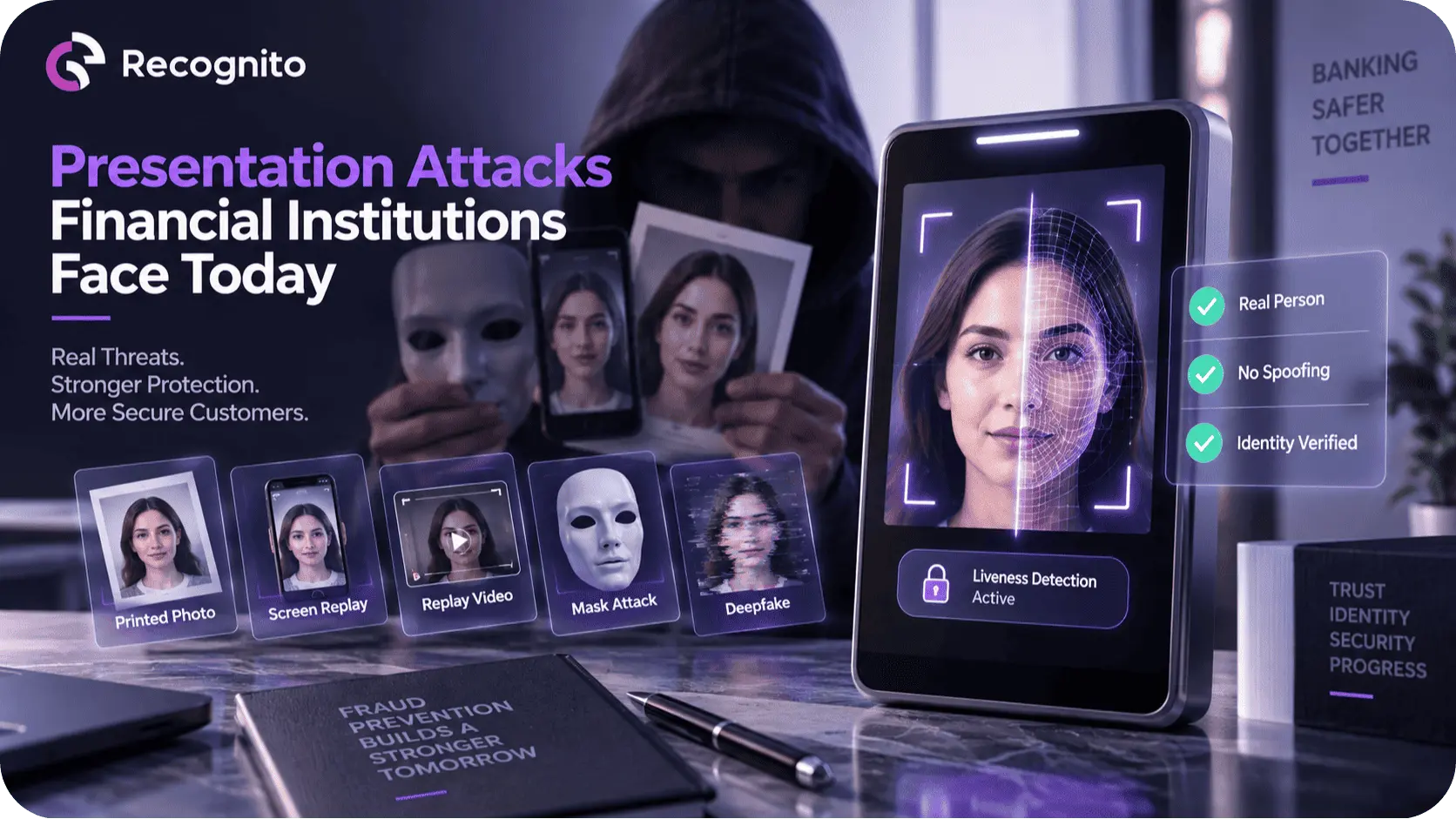
Some deployments also add liveness or presentation-attack detection. That becomes important where an attacker might attempt to fool the system with a photograph, replayed video, or other artificial presentation.
The technology therefore consists of more than a camera and a recognition model. The surrounding capture, matching, thresholding, and workflow controls determine the quality of the final attendance system.
Reducing Buddy Punching and Attendance Fraud
One of the clearest use cases is reducing buddy punching, where one employee records attendance for another.
Cards, PINs, and other shareable credentials are vulnerable because the authentication factor does not have to remain with its legitimate owner.
Facial recognition ties the attendance event to the employee’s biometric characteristics. That makes simple credential sharing much harder.
It does not eliminate all fraud. Someone could still attempt to manipulate the capture process, exploit account enrollment, or attack the underlying system. The security boundary therefore needs to include enrollment, biometric template protection, device security, communication, and monitoring.
Still, replacing a transferable credential with an identity-bound biometric signal can substantially change the fraud model.
Faster Clock-In and Better Workforce Flow
Attendance systems are often judged by how quickly an employee can register an event.
Fingerprint systems require contact with a sensor. Cards require employees to carry and present a credential. Facial recognition can support a more passive interaction when cameras are positioned correctly.
That can reduce friction at high-volume entry points, particularly when many employees arrive within a short period.
The real benefit, however, depends on capture quality. If employees must repeatedly stand in a precise position or wait for the system to recognize them, the theoretical convenience disappears.
Successful deployments therefore treat the capture experience as part of the system design rather than an afterthought.
Camera placement, field of view, lighting, distance, and feedback all matter. The employee should understand immediately whether the capture succeeded or needs another attempt.
More Accurate Attendance Data for HR and Payroll
Attendance management becomes significantly more valuable when clean attendance events feed other business processes.
A facial recognition system can send verified events into workforce-management software where they can support:
- shift calculations
- overtime tracking
- lateness analysis
- absence reporting
- payroll preparation
- workforce planning
- site-level attendance analysis
The value comes from reducing manual reconciliation.
Instead of collecting records from several attendance devices and resolving mismatched employee IDs, HR teams can work from a more consistent identity-linked event stream.
That does not mean every attendance event should automatically determine payroll. Organizations still need rules for missed captures, approved exceptions, remote work, leave, schedule changes, and system outages.
The biometric system should supply reliable evidence while business systems remain responsible for applying employment and payroll logic.
Accuracy Depends on More Than the Recognition Algorithm
A common mistake is to evaluate facial attendance technology using a vendor’s headline accuracy number.
In reality, performance depends on the entire capture environment.
NIST research has shown that face recognition performance can be affected by factors including image resolution, focus, expression, age, gender, and other characteristics. Its current FRTE program continues to evaluate face recognition algorithms under defined testing conditions.
This matters for attendance because workplace environments are rarely identical to controlled benchmark conditions.
Employees may enter wearing glasses, masks, helmets, or other accessories. Lighting can change throughout the day. A camera mounted too high or too low can introduce unfavorable face angles. Poor image quality can increase false non-matches and create unnecessary attendance exceptions.
For teams evaluating real-world deployments, face recognition accuracy factors provides useful context on the conditions that influence recognition outcomes.
The solution is not simply to choose the algorithm with the highest published score. Organizations should evaluate the complete system under representative workplace conditions.
Security Requires Liveness and Strong Enrollment Controls
Attendance systems create a specific security challenge: the person being recognized is expected to be physically present.
A photograph should not be sufficient to clock in as another employee.
This is where presentation-attack defenses can become important. Passive or active liveness techniques can help determine whether the captured biometric input is consistent with a live person rather than an artificial representation.
However, liveness should not be treated as the only security mechanism.
Enrollment is equally important. If an attacker is enrolled under the wrong identity, even an excellent recognition system will continue to recognize the wrong person.
Organizations should therefore secure the complete lifecycle:
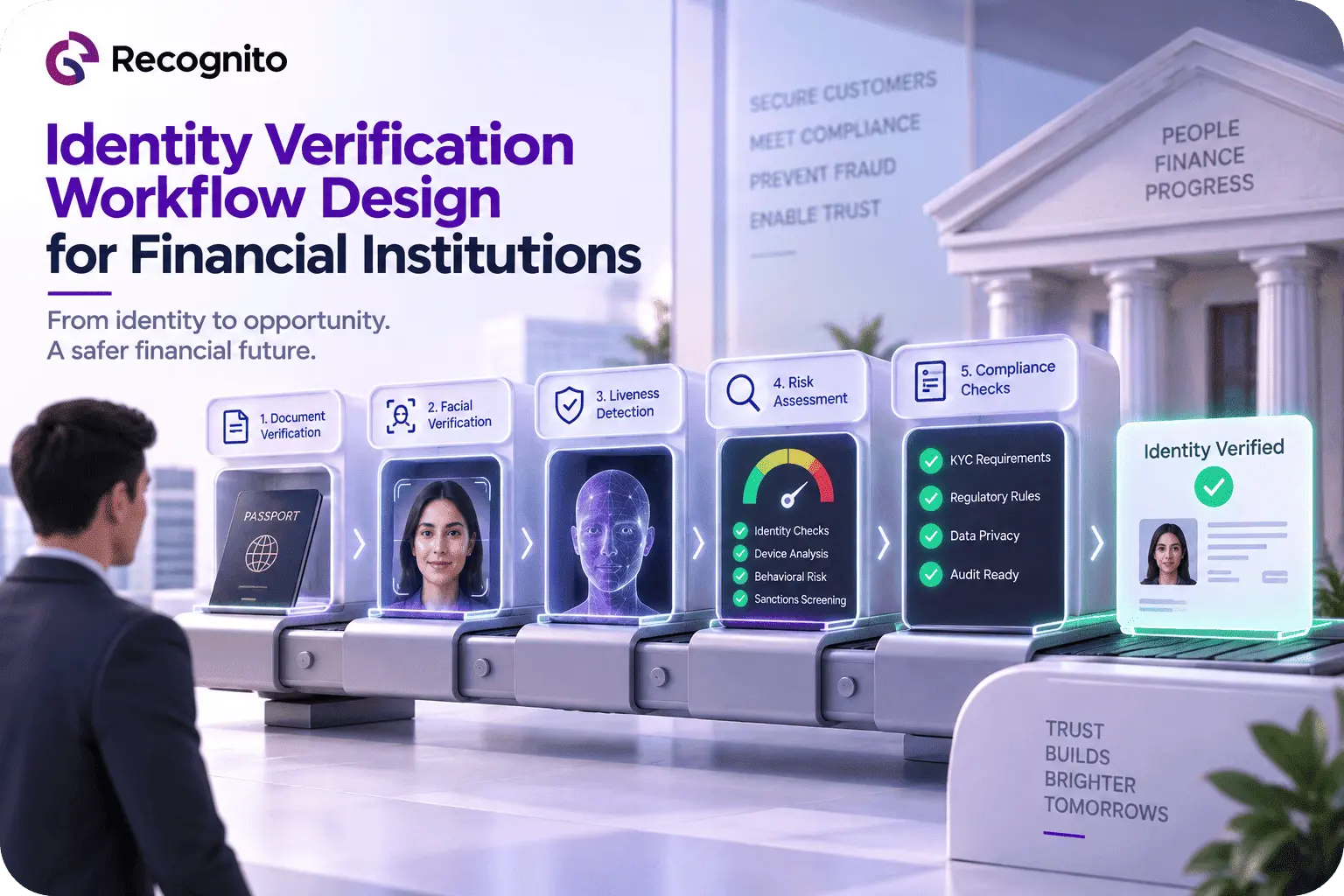
Enrollment → biometric storage → capture → matching → attendance event → system integration → audit
Access to enrollment functions should be tightly controlled. Administrative users should be authenticated strongly, changes should be logged, and biometric records should not be treated like ordinary employee profile data.
Privacy Is a Core Design Issue
Facial recognition attendance introduces a different class of employee-data considerations because biometric information is closely connected to an individual’s identity.
The exact legal requirements depend on jurisdiction and use case, but the principle is consistent: organizations should justify the purpose, understand applicable biometric-data obligations, and avoid collecting or retaining more information than necessary.
The UK’s Information Commissioner’s Office, for example, specifically addresses biometric attendance and timekeeping and notes that biometric data used to uniquely identify workers can constitute special-category data under UK data-protection rules. Its guidance also stresses necessity, proportionality, security, transparency, and consideration of less intrusive alternatives.
Organizations considering workplace facial recognition should therefore establish:
- the exact purpose of the system
- the lawful basis for processing
- how employees are informed
- what biometric data is stored
- how templates are protected
- who can access the information
- how long records are retained
- what happens when the system fails
- whether a reasonable alternative is required
The biometric compliance and identity verification perspective is useful for understanding how biometric technology fits into broader governance requirements.
Facial Recognition Attendance vs Other Methods
| Attendance method | Strength | Common weakness | Best fit |
| Manual register | Simple to deploy | Human error and weak identity assurance | Small teams or temporary processes |
| PIN | Low hardware cost | Credentials can be shared | Basic environments |
| RFID/card | Fast and familiar | Cards can be lost or shared | Controlled workplaces |
| Fingerprint | Strong identity binding | Requires sensor contact | Fixed terminals |
| Facial recognition | Contactless and identity-linked | Sensitive biometric data and camera dependency | Modern, distributed workplaces |
The comparison shows why facial recognition is attractive, but it also shows why it is not automatically the best answer for every organization.
A warehouse with fixed terminals may have different priorities from a multi-site office environment. A small business may prefer a simpler system, while a large enterprise may value centralized biometric attendance and integration with HR infrastructure.
Integration Is Where Many Projects Succeed or Fail
An attendance terminal that works perfectly in isolation is not enough.
The system needs to exchange reliable events with the organization’s existing infrastructure.
Consider a typical enterprise environment. The attendance platform may need to communicate with an HR information system, workforce scheduler, payroll platform, access-control system, and reporting tools.
That creates several technical requirements:
- stable APIs
- consistent employee identifiers
- secure event transmission
- retry handling
- offline support where necessary
- synchronization across locations
- audit logs
- role-based administrative access
For teams implementing facial recognition directly into workplace applications, a facial recognition SDK can provide the underlying recognition capability while leaving the organization to design its own attendance and workforce logic.
Development teams can also review the Recognito GitHub repository for technical resources related to biometric implementation.
Handling Exceptions Matters as Much as Successful Matches
No attendance system will recognize every employee perfectly, every time.
A legitimate employee may fail to match because of poor lighting, a temporary obstruction, camera positioning, or an enrollment problem.
That means the system needs clear exception handling.
A failed biometric match should not automatically become an unexplained absence.
A better workflow might allow:
- A second capture attempt.
- A secondary authentication method.
- Supervisor review.
- Manual correction with an audit trail.
- Technical investigation when failure rates increase.
This is especially important for payroll. A biometric failure is a technology event, not necessarily an attendance violation.
Separating those two concepts prevents the system from turning minor technical errors into employee disputes.
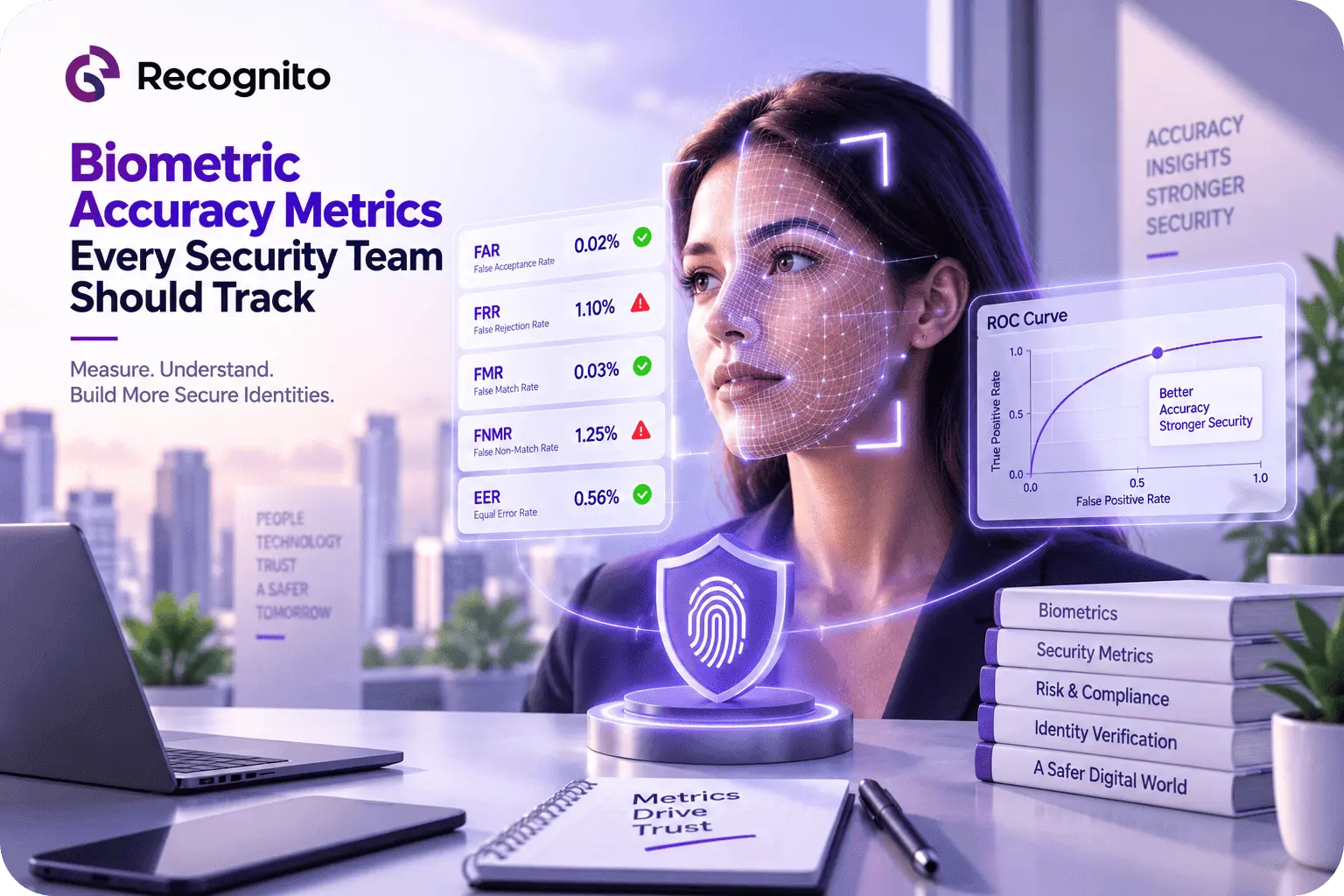
Managing Thresholds and False Matches
Recognition systems operate using decision thresholds.
A threshold that is too permissive can increase false matches, potentially recording attendance for the wrong person. A threshold that is too restrictive can increase false non-matches and create more employee friction.
There is no universally correct threshold.
An organization should choose settings based on the consequences of each error, then validate those settings under real workplace conditions.
NIST’s current FRTE 1:1 verification evaluation illustrates the importance of considering false-match and false-non-match behavior at defined operating points rather than relying on one generalized accuracy percentage.
For attendance, that principle translates directly into operational policy: security and convenience have to be balanced deliberately.
Monitoring Should Continue After Deployment
Launching the system is not the end of the project.
Attendance teams should monitor:
- recognition failure rates
- repeated capture attempts
- false-match incidents
- manual corrections
- device-level failures
- differences between locations
- employee complaints
- unusual attendance patterns
This data can reveal problems that were not obvious during the initial pilot.
Suppose one entrance has a much higher failure rate than another. The cause may be camera placement or lighting rather than the recognition algorithm.
Similarly, a sudden increase in failed matches after a software update could indicate a deployment problem rather than employee behavior.
Monitoring therefore turns attendance management into a measurable operational system instead of a device that simply records clock-ins.
Making Facial Attendance More Useful Across the Organization
Once a reliable attendance foundation exists, facial recognition can potentially become part of a broader workplace identity architecture.
The same identity infrastructure may support access control, secure workstation authentication, visitor management, or other identity-aware workflows, provided each use case has an appropriate legal, security, and operational basis.
That creates opportunities for greater consistency. Employee identity does not have to be represented by completely different mechanisms in every system.
At the same time, organizations should resist the temptation to expand biometric use simply because the technology is already deployed. Every additional use introduces a new purpose, risk profile, and governance question.
The strongest implementations are purpose-driven rather than technology-driven.
What Businesses Should Evaluate Before Deployment
Before selecting a facial recognition attendance system, decision-makers should examine the complete lifecycle rather than focusing on the terminal.
A practical evaluation should cover:
Recognition performance: How does the system perform with the organization’s workforce and real capture conditions?
Security: What defenses exist against presentation attacks, unauthorized enrollment, and system compromise?
Privacy: What biometric data is stored, and what controls govern its use and retention?
Integration: Can attendance events connect reliably to HR, payroll, and scheduling systems?
Usability: Can employees complete capture quickly without repeated attempts?
Exceptions: Is there a secure and auditable fallback process?
Monitoring: Can administrators identify performance problems by device, location, or employee group?
Scalability: Can the system handle multiple offices, shifts, and large employee populations?
A pilot deployment is often more informative than a product demonstration. Test actual cameras, workplace lighting, traffic patterns, employee demographics, and integration requirements before making a large-scale commitment.
The Future of Attendance Management
The long-term shift is not simply from swipe cards to facial recognition.
It is from isolated time clocks toward identity-aware workforce systems.
When biometric verification is combined with reliable attendance events, secure integration, analytics, and appropriate governance, organizations can move closer to real-time workforce visibility without requiring employees to carry another credential.
But successful adoption will depend on restraint as much as technical capability. Accuracy must be measured, privacy must be protected, and employees need clear explanations of what the system does and why it exists.
The most effective attendance technology is therefore not the system with the most features. It is the one that produces trustworthy attendance records with minimal friction and a clearly governed security model.
Conclusion
Facial recognition attendance systems are changing attendance management by linking time records directly to employee identity.
They can reduce credential sharing, simplify clock-in workflows, improve the quality of attendance data, and connect workforce events more efficiently with HR and payroll systems. Yet these advantages depend on more than face matching. Camera conditions, liveness, enrollment security, thresholds, exception handling, integration, and privacy governance all influence whether the system succeeds.
Organizations should evaluate the technology as an end-to-end workforce identity system, not simply as a replacement for a punch clock.
For organizations building secure biometric attendance and identity workflows, Recognito provides technologies that can support practical facial recognition deployments.
Frequently Asked Questions
Is facial recognition better than fingerprint attendance?
It depends on the environment. Facial recognition is attractive for contactless and camera-based workflows, while fingerprint systems can work well with fixed, dedicated sensors. The right choice depends on hardware, security requirements, workforce conditions, and privacy considerations.
Can facial recognition eliminate buddy punching?
It can make simple credential sharing much harder because attendance is linked to biometric identity rather than a card or PIN. However, enrollment security, liveness, and system controls are still necessary.
Does facial recognition attendance require liveness detection?
Not every deployment has the same threat model, but liveness or presentation-attack detection can provide an additional defense where someone might attempt to use a photograph, replay, or other artificial presentation to generate a false attendance event.
What happens when an employee is not recognized?
The system should provide a defined fallback such as a second capture attempt, alternate authentication, or supervised correction. A failed biometric match should not automatically be treated as employee absence.
Is facial recognition attendance a privacy concern?
Yes. Facial recognition uses biometric information, so organizations need to assess applicable privacy and employment requirements, explain the purpose of processing, protect biometric data, limit retention, and consider whether less intrusive alternatives are appropriate.