
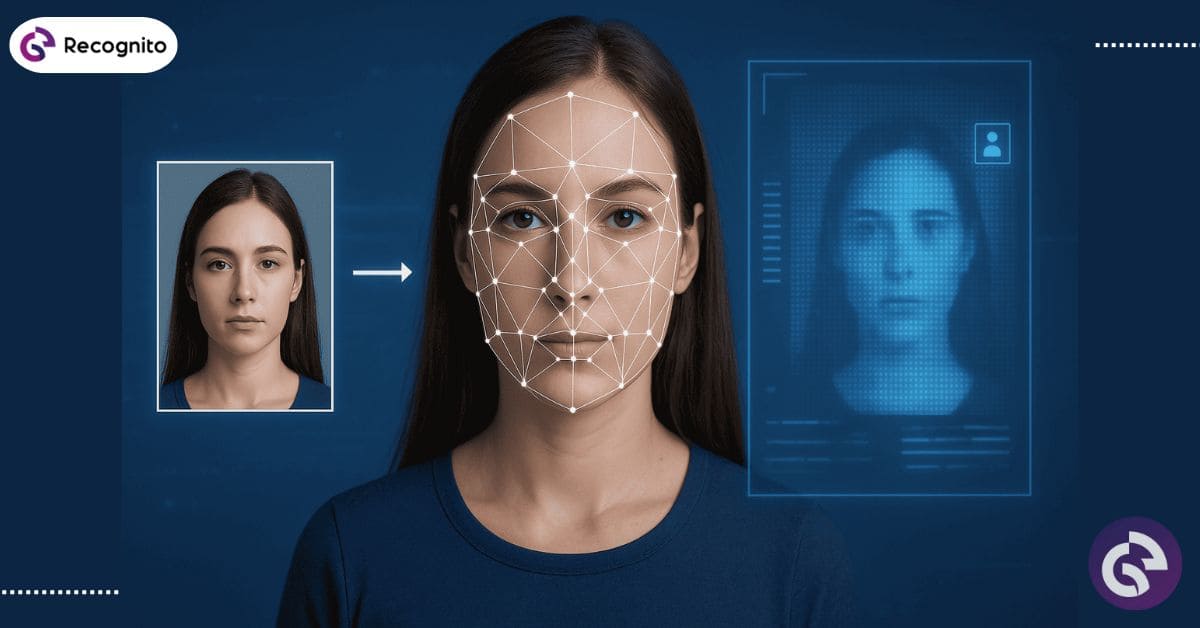
Facial recognition search has quickly shifted from science fiction to everyday reality. Whether it’s tracking down an online impostor, securing access to a building, or reconnecting with an old classmate, the technology is becoming a go-to tool for both professionals and curious individuals. The magic lies in matching a human face to an image in a database or on the internet. The process is fast, accurate, and surprisingly accessible to anyone who knows where to look.
Understanding Facial Recognition Search and Its Process
Facial recognition search works by analyzing a photo or video to find and match an individual’s face in a database or on the internet. Unlike traditional image search, which focuses on colors, shapes, or objects, this method analyzes unique facial features. Think of it as the digital equivalent of recognizing a friend in a crowd only faster, and without the need to squint.
The process involves three main steps:
- Detection – AI locates a human face in an image or video frame.
- Mapping – The software pinpoints facial landmarks such as the eyes, nose, and jawline.
- Matching – These mapped points are then compared with saved facial data to identify a possible match.
Facial recognition online services often combine large-scale public image databases with advanced AI. Tools like a facial recognition finder make it possible to track down a person from a single uploaded photo. Below is a simplified workflow example:
| Step | Action | Technology Used |
| 1 | Detect the face in the photo | AI + Computer Vision |
| 2 | Map facial landmarks | Face recognition SDK |
| 3 | Compare with database | Neural networks |
| 4 | Return match results | Search engine integration |
Key Technologies Behind Facial Recognition Search
The engine that drives facial recognition search is built from a combination of AI, deep learning, and specialized software. At the core, a face recognition SDK allows developers to integrate recognition capabilities into apps or websites.
But accuracy alone isn’t enough. To ensure the search result is from a real, live person and not a printed photo or screen replay, security layers like a face liveness detection SDK or liveness detection SDK are used. These tools can detect blinking, slight movements, and even texture differences in skin to confirm authenticity.
Here’s a quick comparison between traditional image search and facial recognition search:
| Feature | Image Search | Facial Recognition Search |
| Basis | Color and object patterns | Unique facial features |
| Accuracy | Lower for human faces | High for human faces |
| Real-time Use | Limited | Yes |
| Security | None | Liveness detection available |
Popular Uses of Facial Recognition Search
1. Security and Law Enforcement
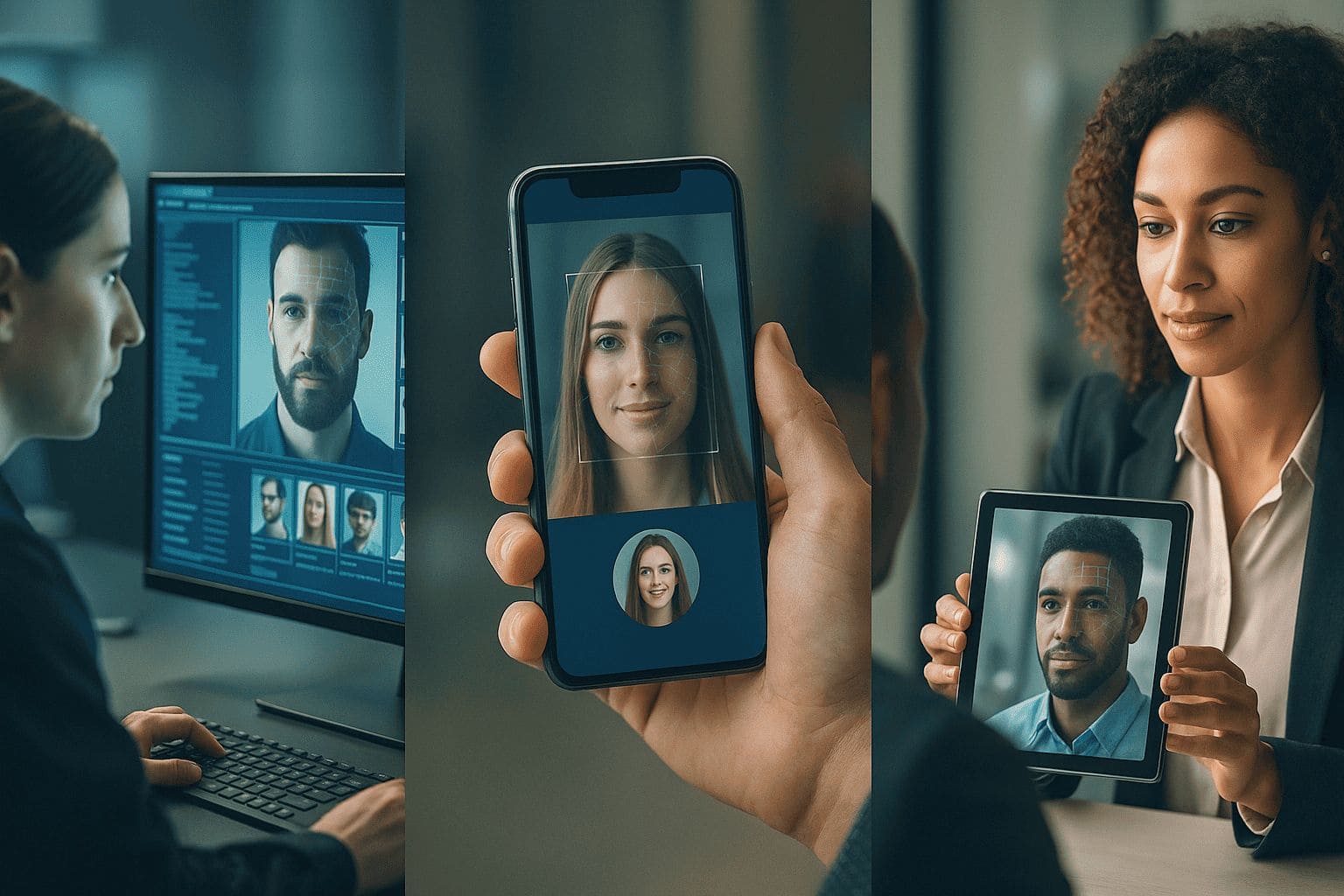
Security agencies use internet facial recognition search tools to identify suspects, missing persons, or unauthorized access attempts. A facial recognition lookup can pull records from vast criminal and public databases within seconds.
2. Social Media and Online Networking
Ever spotted someone in a photo but couldn’t recall their name? Facial recognition online services help identify people from public social media images. A good facial recognition finder can track old friends or even verify profiles.
3. Business Applications
Banks and e-commerce platforms now use a face liveness detection SDK to confirm the identity of customers during transactions. This prevents fraud and speeds up onboarding for new accounts.
Free and Paid Facial Recognition Search Options
Many are tempted to try a free facial recognition search for quick results. While free tools can be useful for casual searches, they often come with limited accuracy and smaller databases. Paid services usually provide:
- Larger and more up-to-date databases
- Stronger privacy protections
- Faster search times
- Integration options with face recognition SDK
External Face Recognition Search Engines
| FaceSeek | Reverse Face Search, Identity Search |
| PimEyes | Facial recognition search engine |
| Clearview AI | Law enforcement facial recognition |
| FindClone | Social media face matching |
Free vs Paid Tool Comparison
| Feature | Free Tools | Paid Tools |
| Accuracy | Moderate | High |
| Privacy | Low to Medium | High |
| Database Size | Small to Medium | Large |
| Support | Limited | Full customer support |
How to Choose the Right Facial Recognition Finder
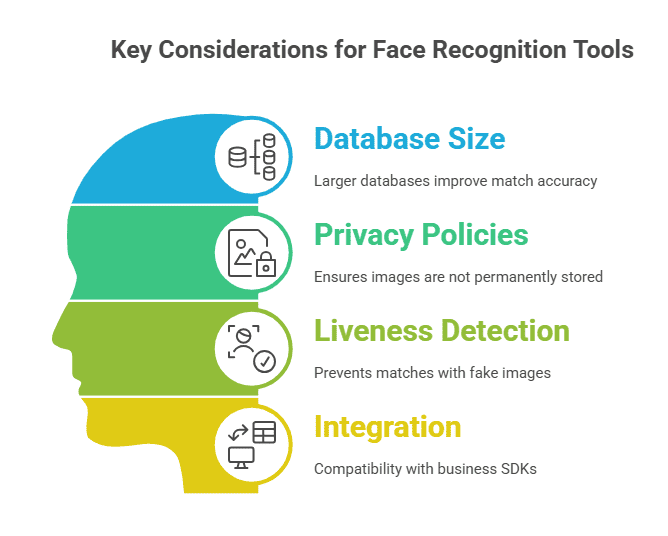
Selecting the best tool requires weighing its accuracy, privacy safeguards, speed, and cost. Here’s what to look for:
- Database size: Larger databases mean better match chances.
- Privacy policies: Ensure that any images you upload are not kept permanently.
- Liveness detection: Prevents matches with fake images.
- Integration: For businesses, make sure the tool is compatible with your face recognition SDK.
Example: A marketing agency verifying influencer identities could choose a service with fast searches, a liveness detection SDK, and an API for automation.
Ethical and Privacy Concerns in Facial Recognition Search
Although facial recognition technology is convenient, it brings up significant ethical concerns. Without proper safeguards, it could lead to mass surveillance, identity theft, or profiling.
To protect user privacy:
- Limit who can access the technology
- Always get consent before searching
- Store data securely with encryption
For deeper insights, visit:
- NIST Biometrics Standards – U.S. standards for biometric systems
The Future of Facial Recognition Search
By 2025, expect facial recognition search to become more accurate and even faster. Integration with other biometrics like fingerprints and voice recognition will make identity verification nearly seamless. AI will also play a bigger role in reducing false positives and increasing security.
Conclusion
Facial recognition search has grown from a niche innovation to a practical everyday tool for security, networking, and business. The key to using it effectively lies in choosing a reliable service, understanding privacy risks, and staying updated on the latest advancements. With responsible use, this technology can be a powerful ally and Recognito is here to keep that future secure. You can explore the Recognito GitHub for more resources and tools.
